Batch Simulations#
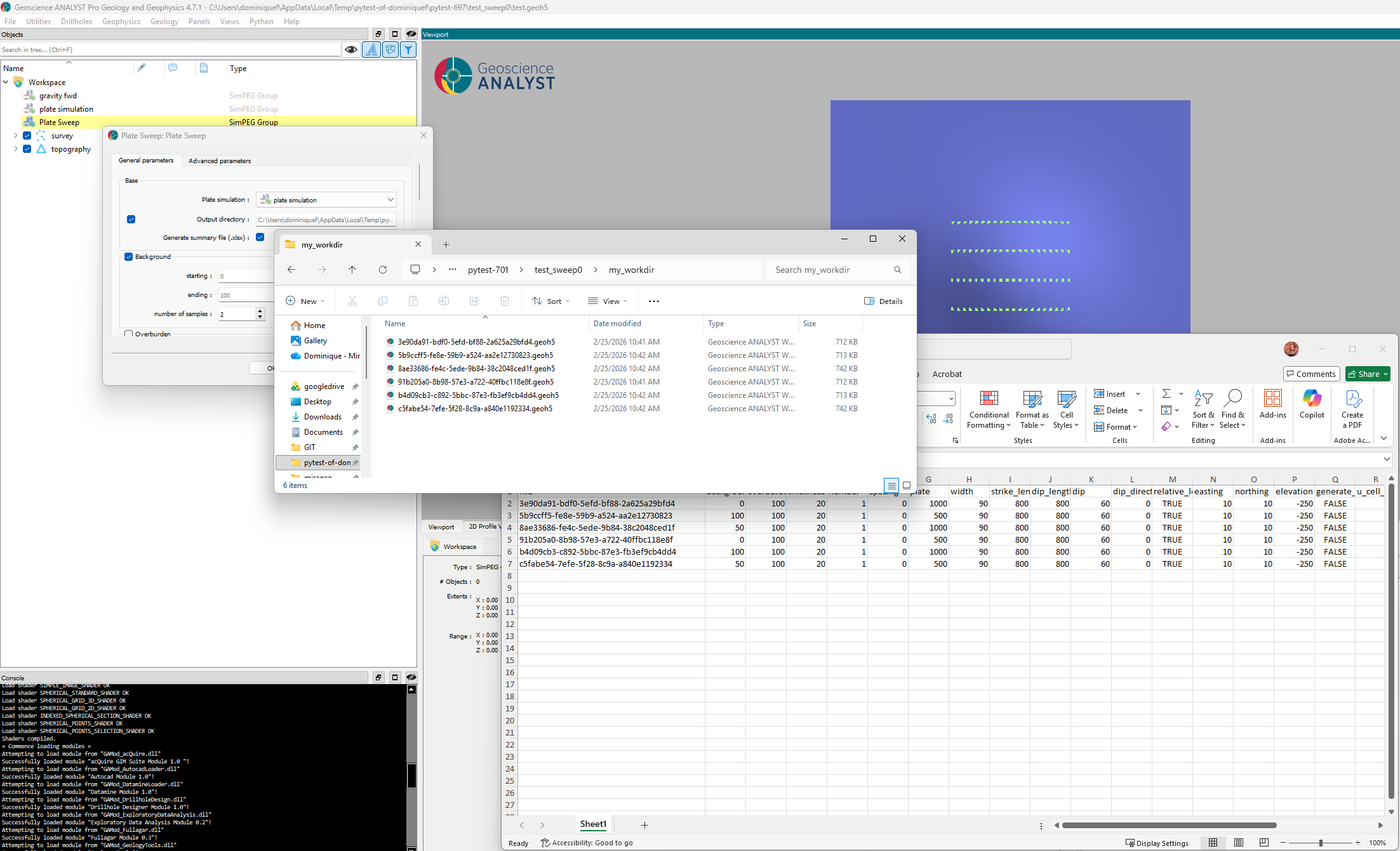
The Plate Sweep module provides a user interface for generating and running a batch of simulations by sweeping one or more of the input parameters. The user can select which parameters to sweep and the range of values for each parameter.
The following sections describe the user interface, inputs, and methodology of the Plate Sweep module.
Interface#
This section describes the parameters controlling the application.
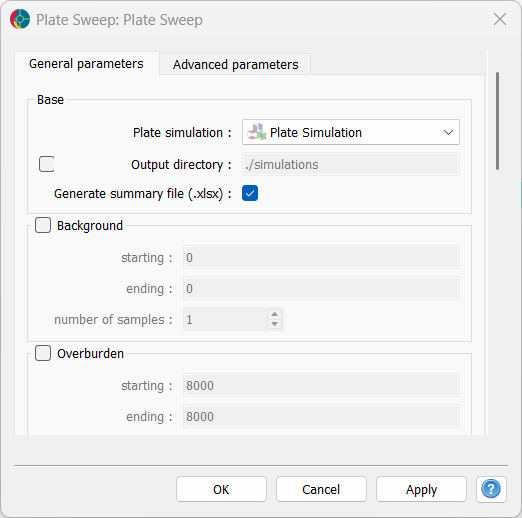
Fig. 69 Rendered user-interface in Geoscience ANALYST.#
Inputs#
Plate simulation: A Plate Simulation group that contains the input parameters for a single plate simulation, as well as the connection to a SimPEG Forward group. Parameters that are not included in the sweep will be taken from this group and used for all simulations.
Output directory: A directory where the results of each simulation will be stored. Each simulation will be saved in a separate
*.geoh5file named with a unique identifier. The directory is created if it does not exist, otherwise simulations are appended to it.Generate summary file: A boolean option to generate a summary file in the output directory. The summary file is a
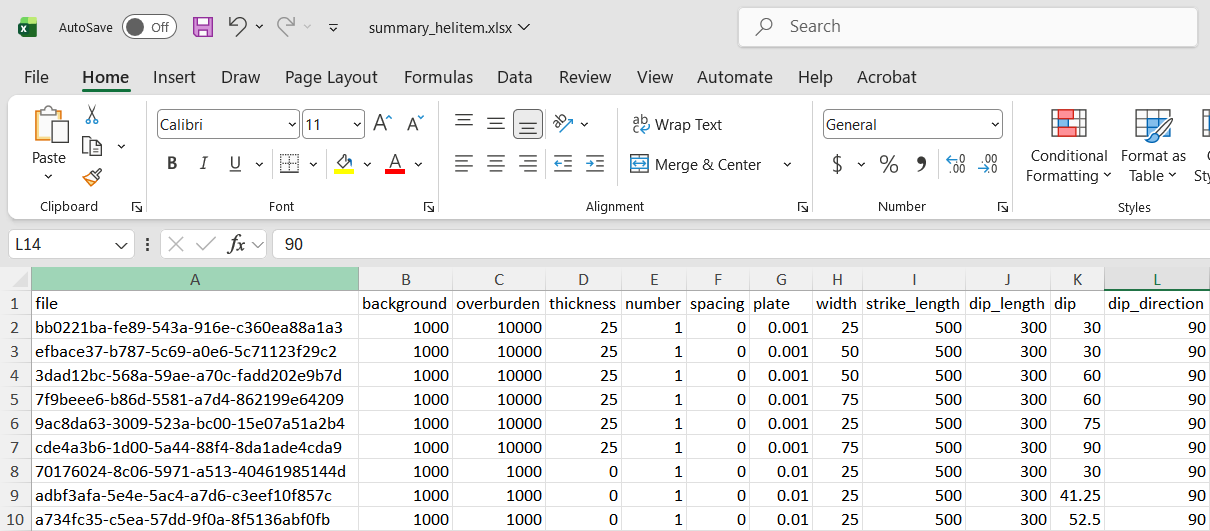
*.xlsfile that contains the input parameters and results of each simulation, allowing users to easily sort over the range of simulation parameters.[Optional] Parameter blocks: For every parameter of Plate Simulation, users can choose a starting, ending and number of samples values to sweep over. The application will generate a simulation for each value in the range, while keeping all other parameters constant. If a parameter is not included in the sweep, the value set in the input Plate Simulation group will be used for all simulations.
Methodology#
After loading the input parameters from the Plate Simulation group, the
application generates a list of parameter combinations based on the
specified sweep ranges. For each combination of parameters, a unique
identifier is generated using a hash system. If this unique identifier
already exists in the Output directory, the simulation is skipped.
Otherwise a copy of the original input geoh5 is created.
The target file is then opened and the Plate Simulation group is
modified with the corresponding parameters before running the
simulation. The results are saved in the target geoh5 file, and the
process is repeated for the next combination of parameters until all
combinations have been processed.
If the dask.distributed library is enabled, the simulations are run in parallel using a local cluster. Otherwise, the simulations are run sequentially.
Finally, if the option to generate a summary file is enabled, a routine
extracts parameters from all *.geoh5 files present in the
Output directory and tabulates them in a summary.xls file for easy
reference and analysis.